
Dynamics 365 FO - Build project and build model

Nghia Song - Microsoft Dynamics 365 Technical Consultant
Nghia Song
Tel - WhatsApp: +84967324794
Email: songnghia.uit@gmail.com
Nghia Song
Tel - WhatsApp: +84967324794
Email: songnghia.uit@gmail.com
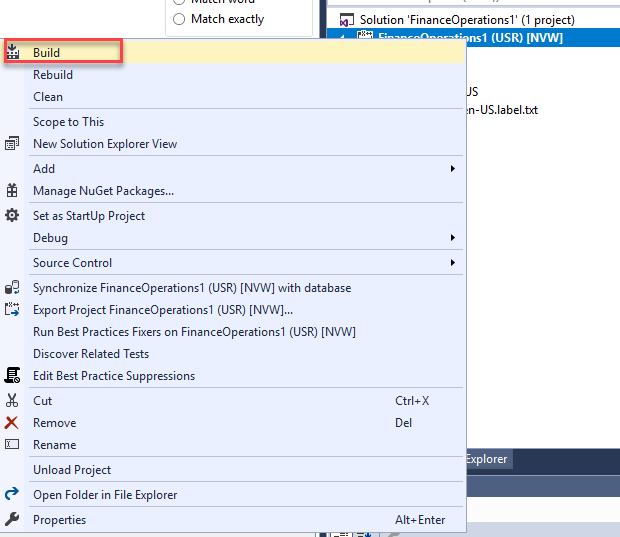
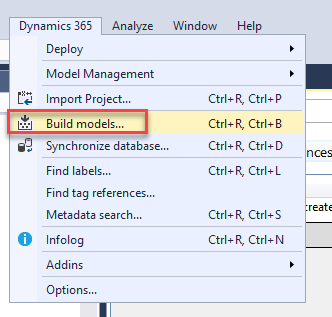
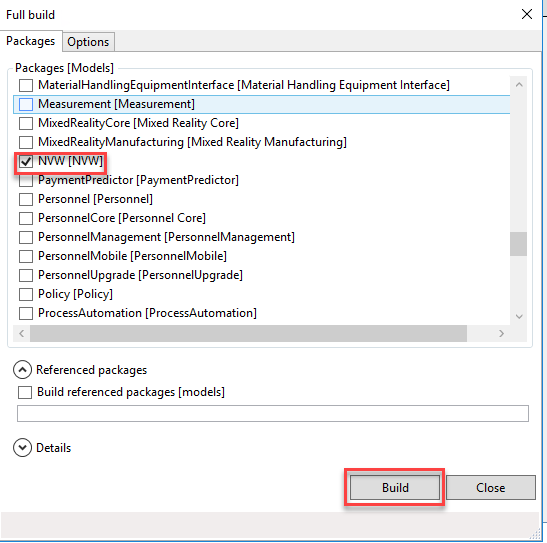
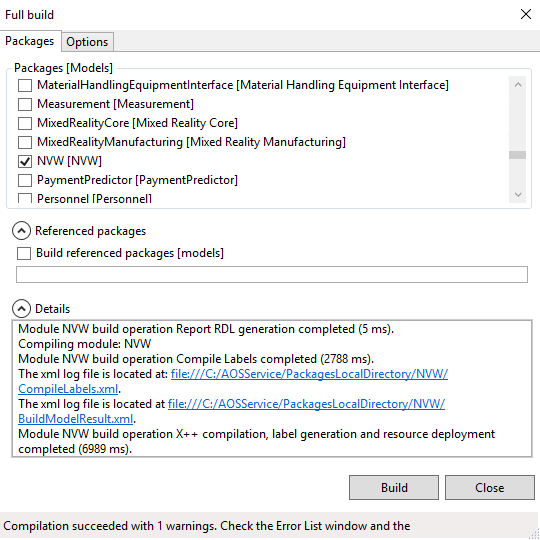
Build project and build model
Next: Dynamics 365 FO - Synchronize Database and Debug
https://www.songnghia.com/2022/09/dynamics-365-fo-synchronize-database.html
https://www.songnghia.com/2022/09/dynamics-365-fo-synchronize-database.html

 0967 324 794
 WhatsApp


0 Comments